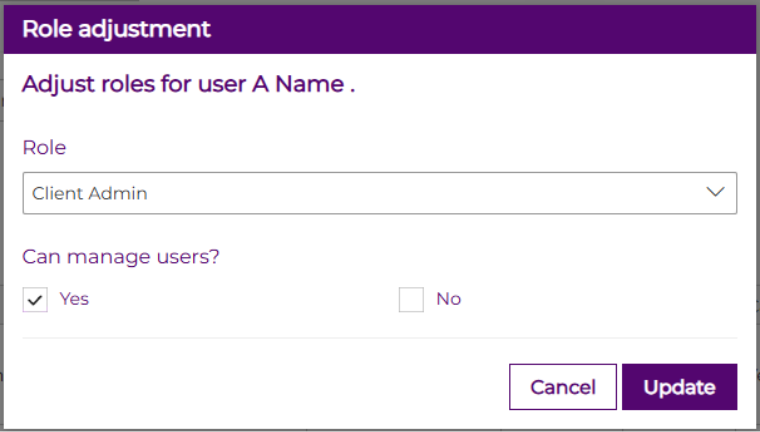
To edit the permissions of an existing user, follow these steps:
- Click the arrow next to the account name.
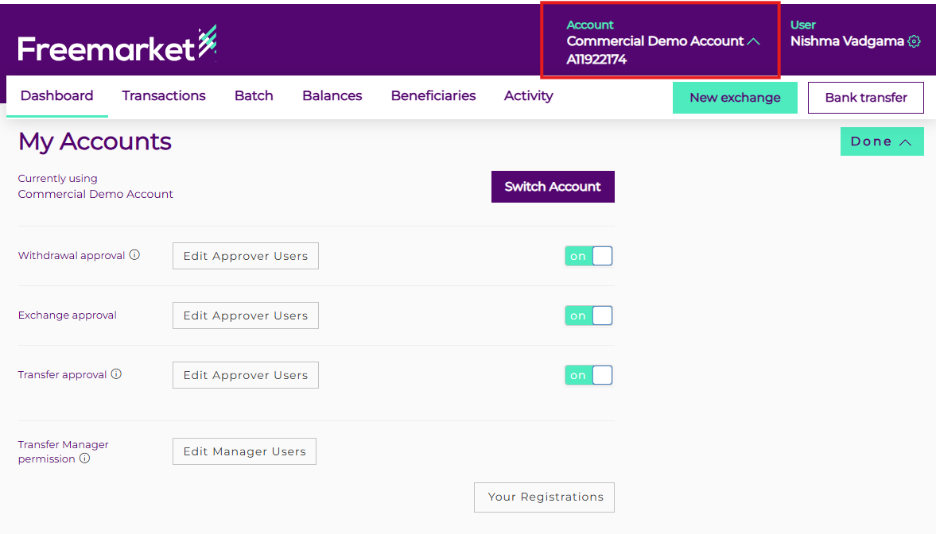
- Scroll down the page until you reach the User Management table.

- Browse through the list of users displayed.
- Identify and select the specific user you would like to edit suspend and click on the role name in the Role column.
- Make the necessary changes as required by using the dropdown menu
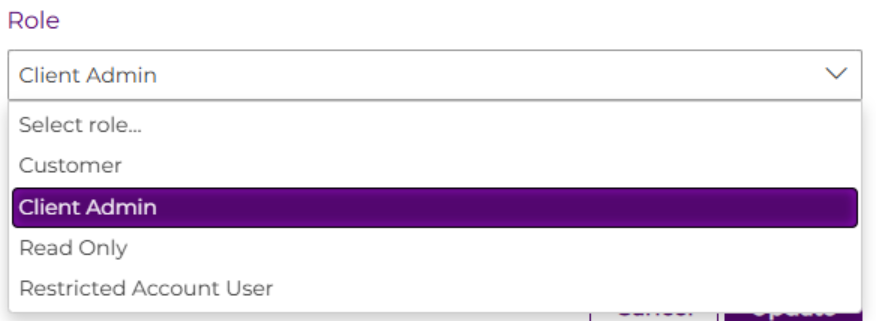
- Click on “update” to confirm the changes