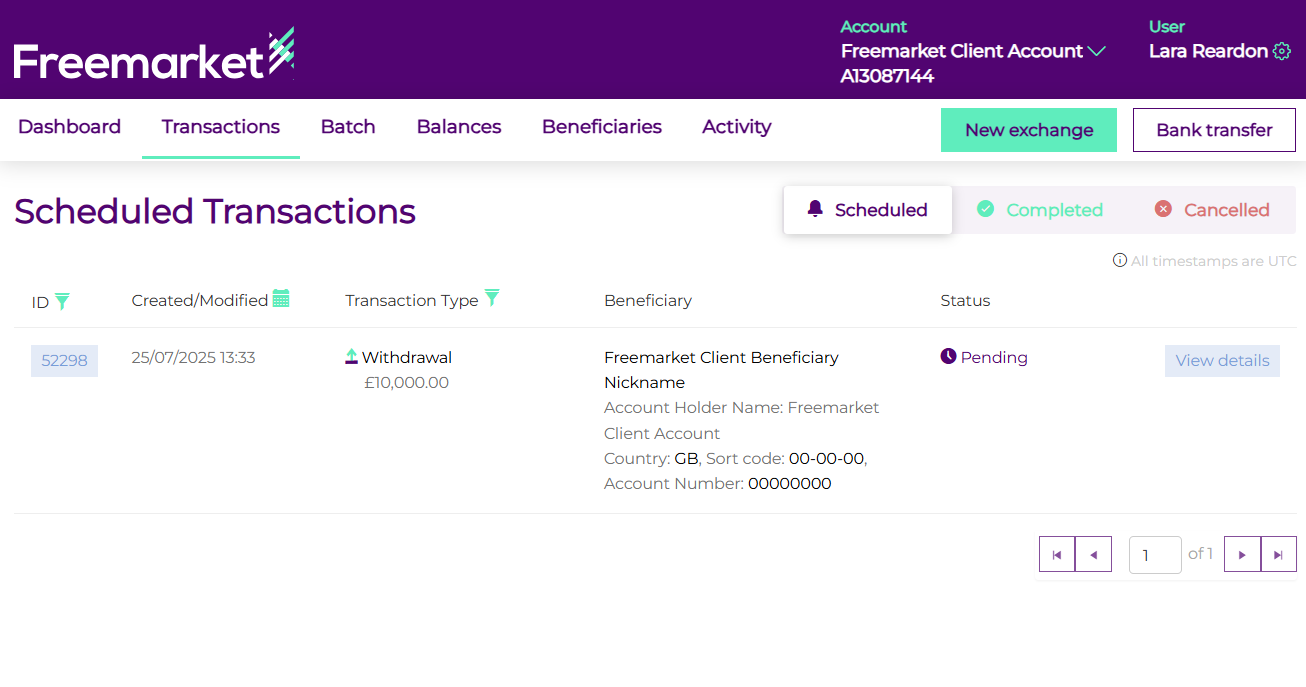
To view your payment activity, log in to your Freemarket account and go to the Transactions tab. Here you will be able to see all payments and exchanges, including those that are scheduled, pending, completed and cancelled.
For more detailed reporting or to check your currency balances, head to the Balances tab. You can also export transaction history from this section is needed. For more detail on how to export your balances and transactions in a PDF or XLS format, please see our guide.