
A cross-currency withdrawal is when a currency exchange and a withdrawal are processed together in a single payment.
To instruct a cross-currency withdrawal:
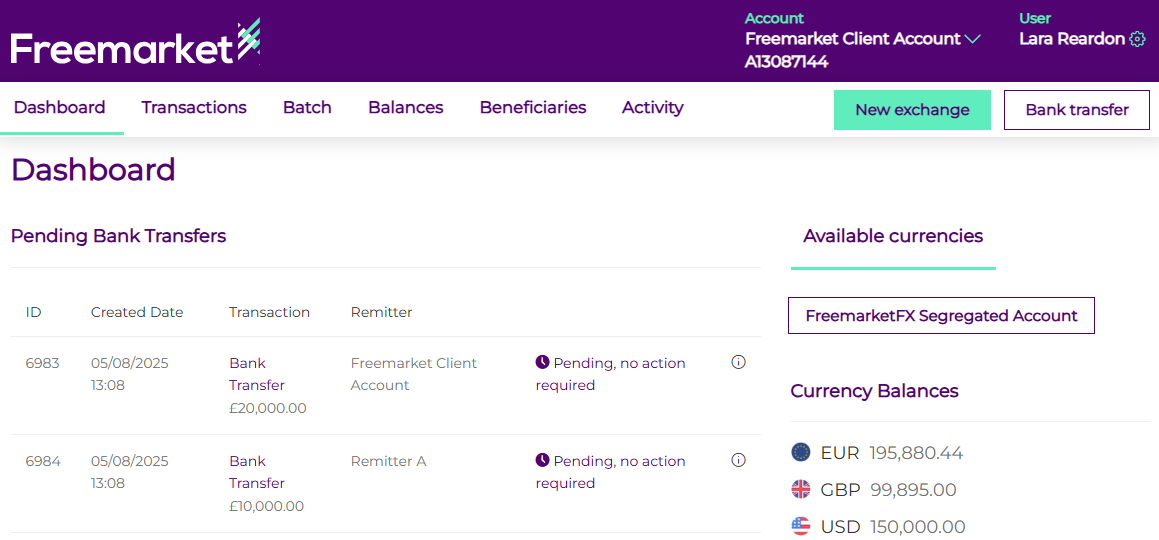
- Log into the Freemarket portal and click the green New Exchange button in the right-hand corner.
- Select the exchange type Standard Exchange and choose the currency you wish to sell and the currency you would like the beneficiary to receive.
Please note, for cross currency withdrawals only EUR, GBP or USD can be chosen as the source currency.
Enter the amount you wish to either sell or buy. An indicative rate will be shown.
Click Continue.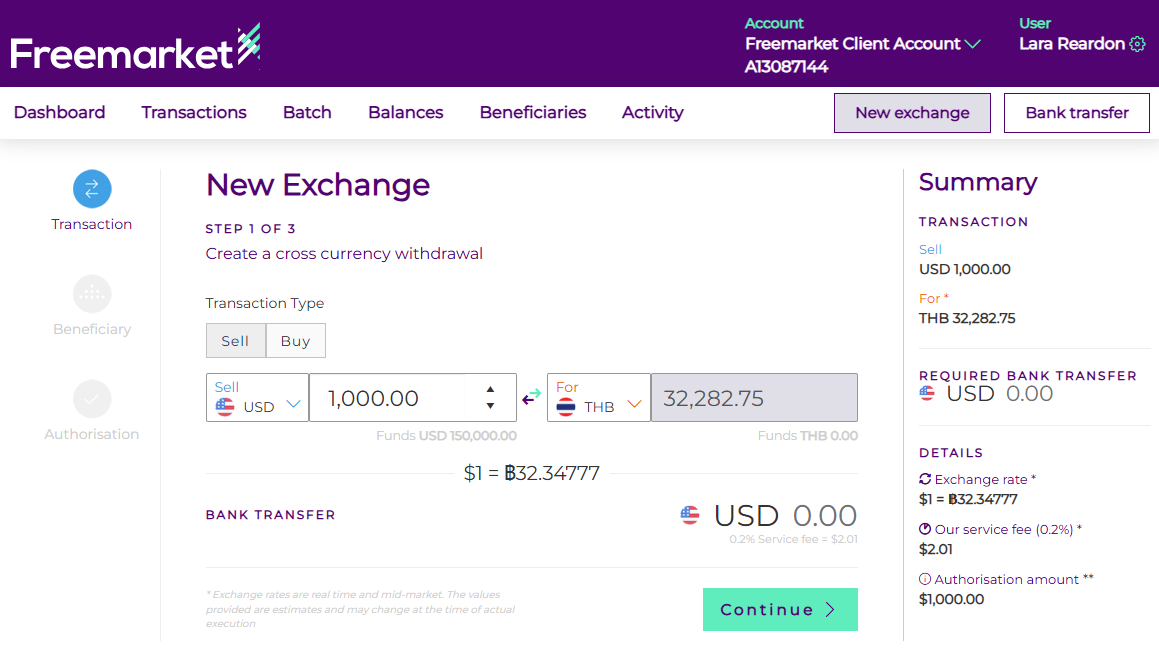
- You can either select an existing beneficiary from the drop down or create a new one by selecting the Add new Beneficiary button.
If creating a new beneficiary, populate the fields that appear, including beneficiary address and account details.
Upload any supporting documentation required such as invoices, contracts or statement, and click confirm
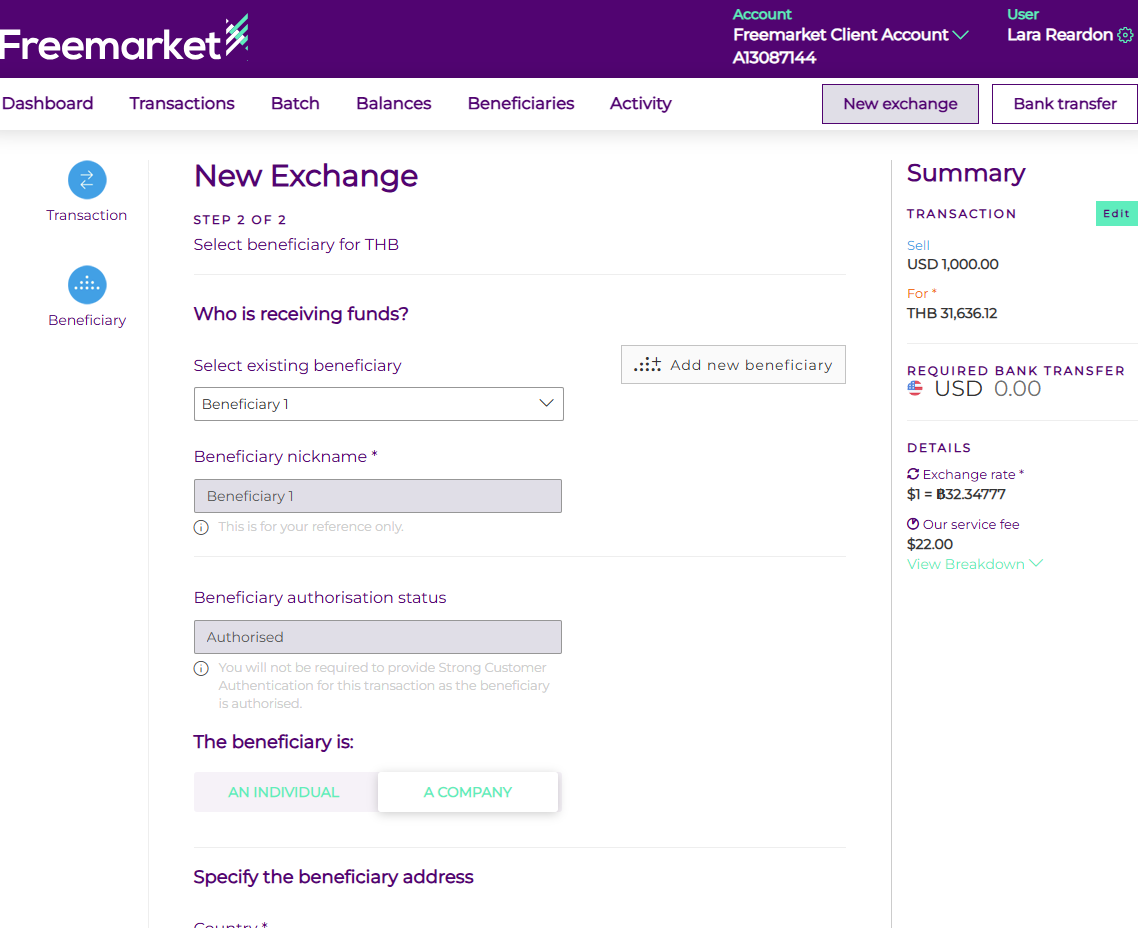
- If this is a new beneficiary or one which you have not authorised, you will be sent an authentication code to enter to confirm the payment.
- Once confirmed, you will be able to view the cross-currency withdrawal under the transactions tab.
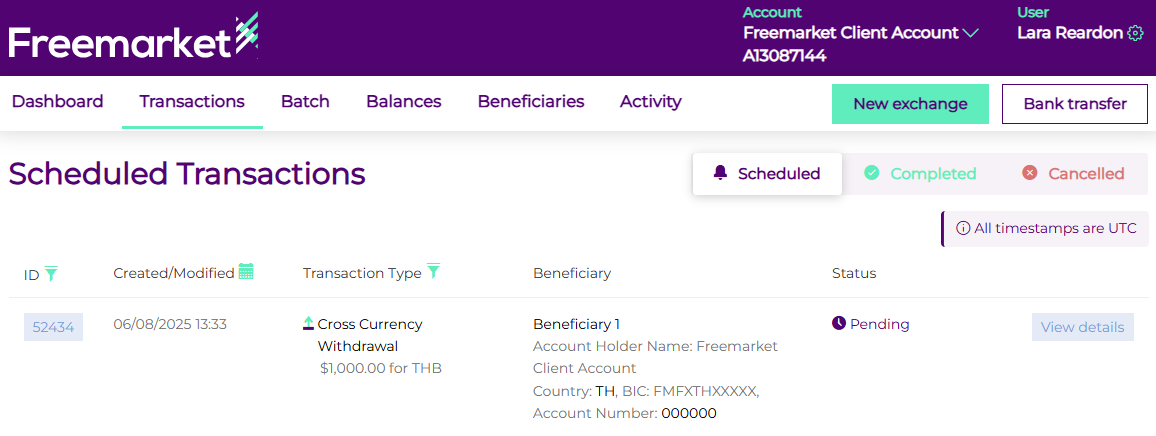
The exchange rate will be confirmed at the point the withdrawal is processed by our banking partner. Your account will be debited in the source currency, and the beneficiary will receive the target currency.