
If you would like to suspend a beneficiary
- Log into your Freemarket portal and click on the Beneficiaries tab
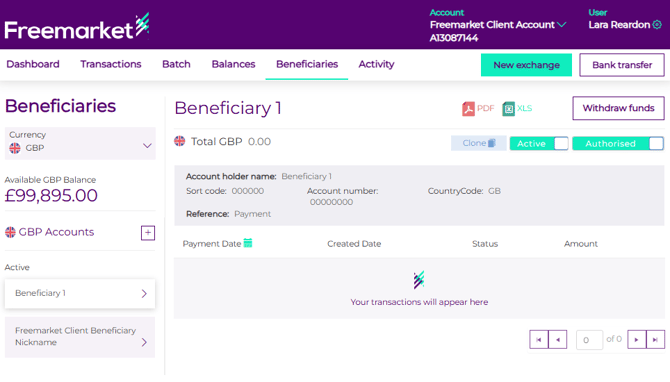
- Select the currency of the beneficiary you wish to suspend from the dropdown.
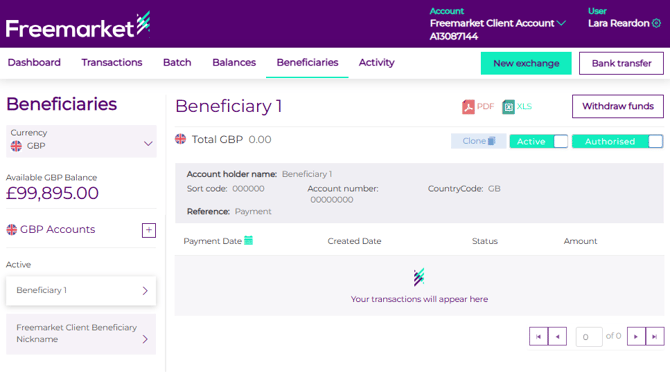
- Click on white toggle next to Active, to change the beneficiary to inactive/suspended.
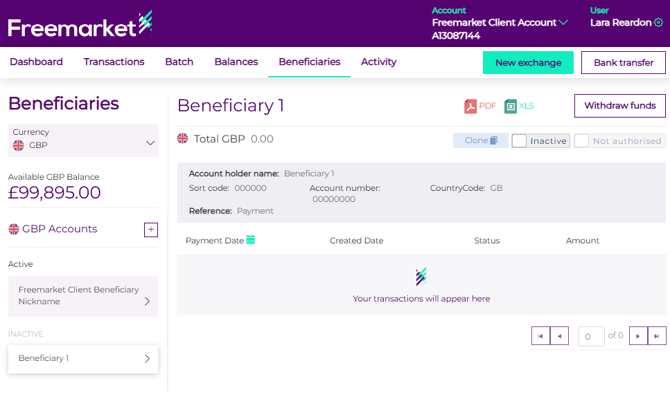 This beneficiary will now not appear in the existing beneficiary dropdown when creating a withdrawal or a chained withdrawal. If you would like to completely remove the beneficiary, please contact Customer Support who will be able to assist.
Please note, you are unable to suspend a beneficiary if there are currently withdrawals still processing using this beneficiary. Please wait until the withdrawals are completed before trying to suspend the beneficiary.